
iPhone & iPad
GINA HEARTWING FOR iOS
A little Heartwing magic, ready to open from your home screen.
- Download from the App Store
- Play on iPhone or iPad
- Optional purchases through Apple


Gina Heartwing · Apps & Games
Step into Heartwing Hollow with Gina. Discover stories, playful puzzles and creative adventures that celebrate kindness, courage and curiosity.
Find your way to play ↓
Choose the version for your device.
GINA HEARTWING FOR iOS
A little Heartwing magic, ready to open from your home screen.
GINA HEARTWING FOR ANDROID
Explore Gina’s stories, puzzles and creative adventures on your Android phone or tablet.

COMPUTER · TABLET · PHONE
Open the door to Gina’s world straight from your browser. No app download needed.

An internet connection is required. Features, content and purchase options may vary by platform. App availability and device compatibility are shown in each store.
Follow a story, solve a puzzle, or let your imagination lead the way.
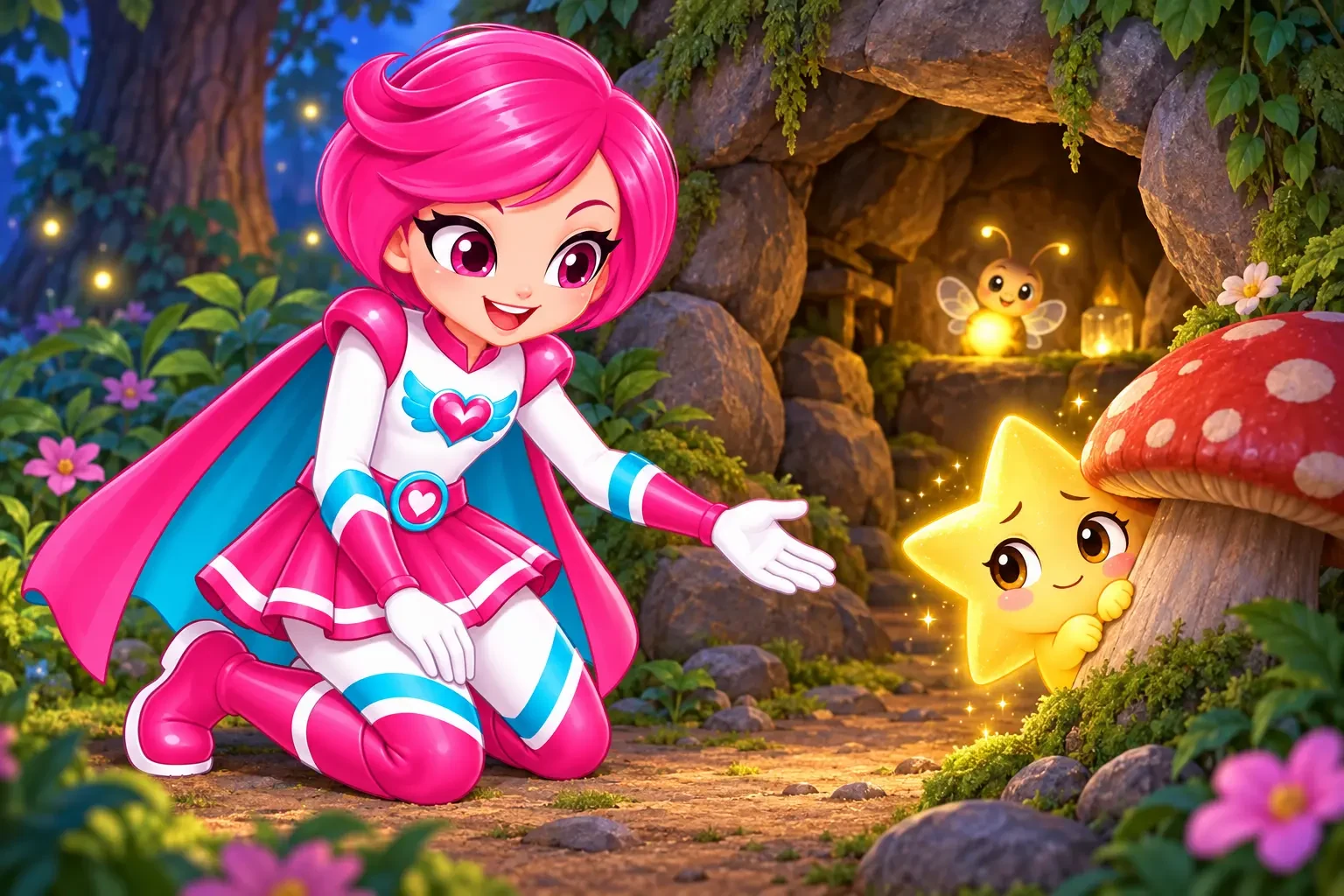
Meet new friends and explore choices about kindness, courage and caring.
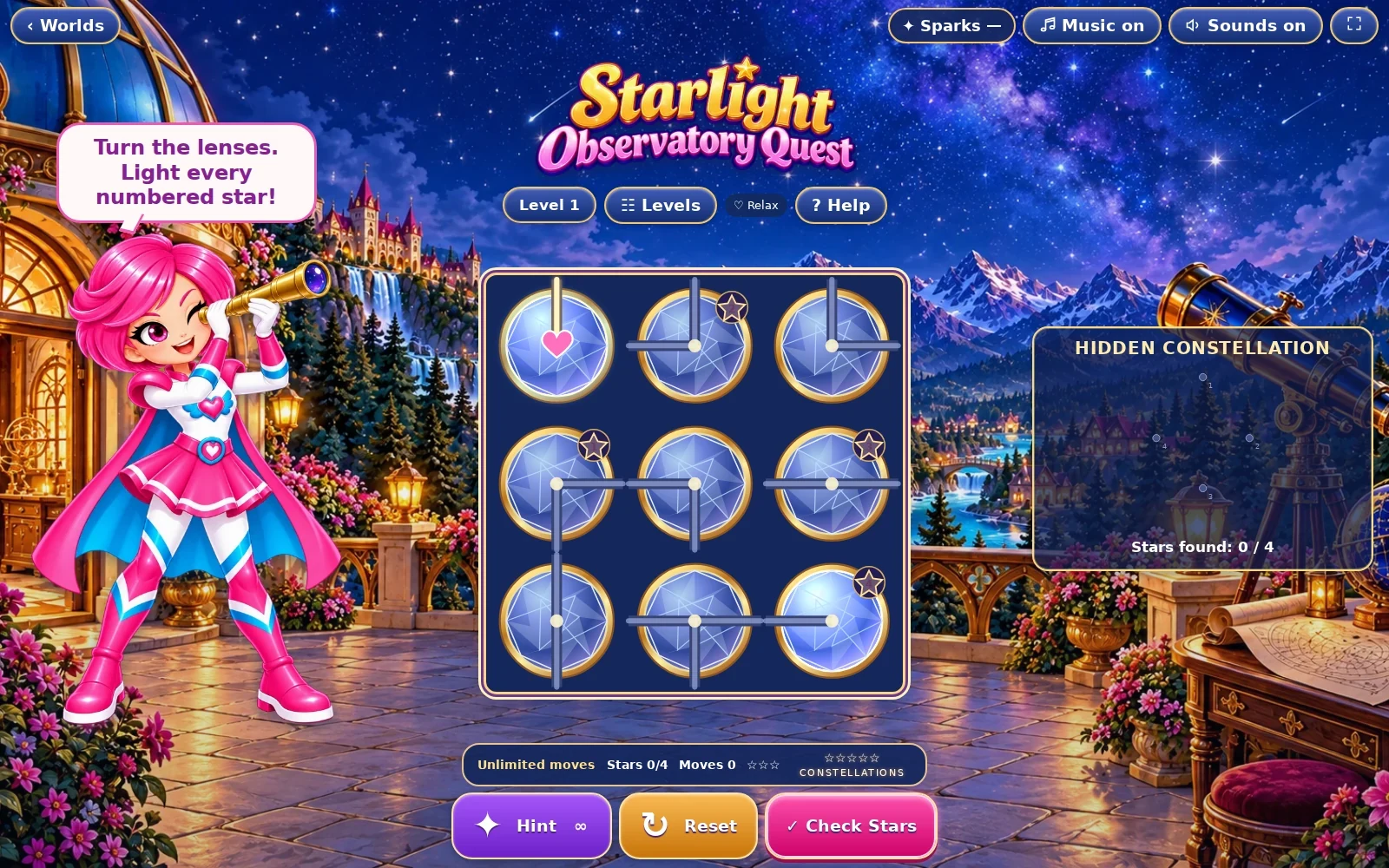
Explore colourful worlds and enjoy puzzles that invite another try.

Find inspiration in music, creative activities and a world full of wonder.
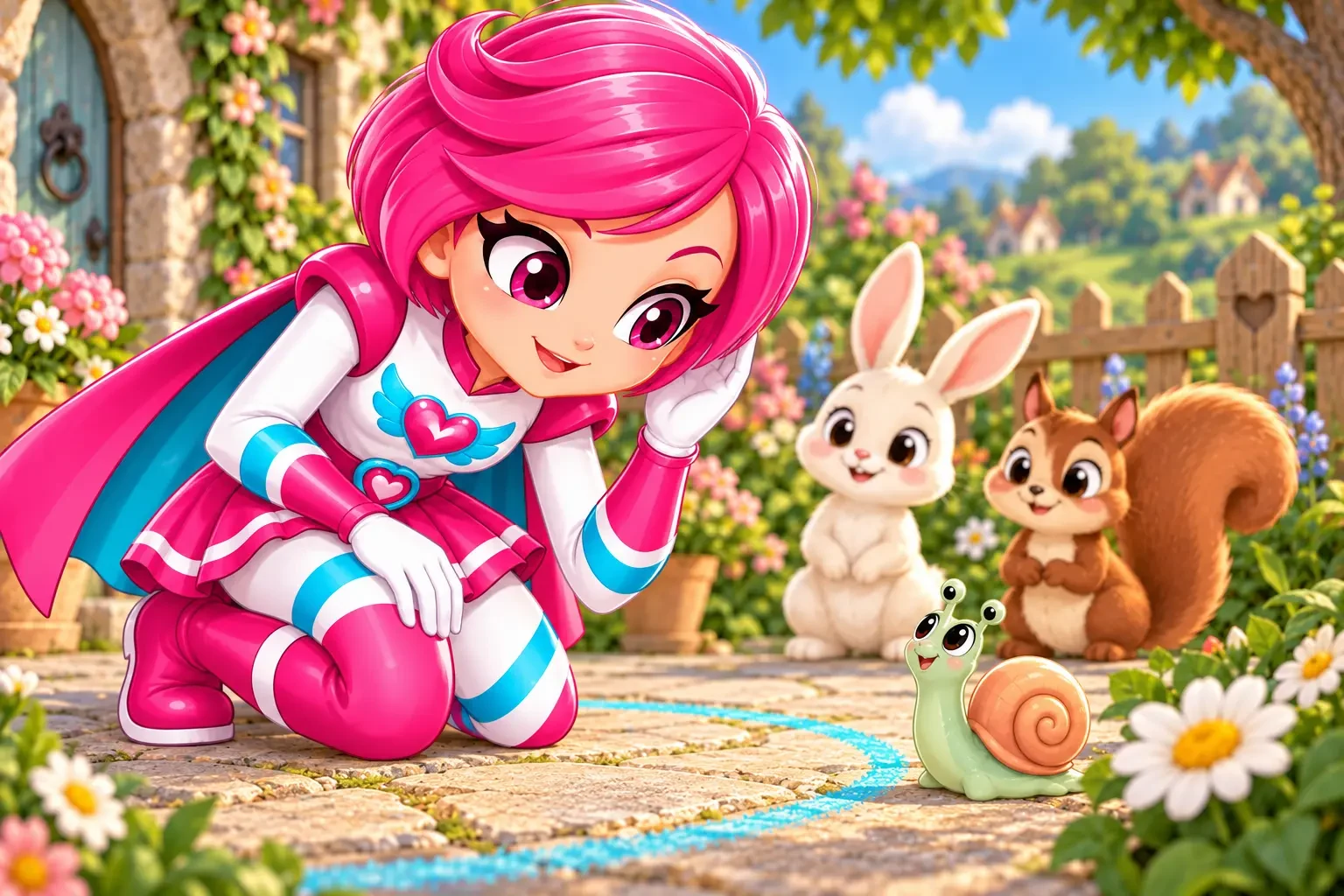
A little help for grown-ups
Help your child get settled, choose their profile and discover a way to play that suits your family.
Visit For ParentsChoose your platform above, then follow Gina’s welcome steps. A parent or carer can set up the family account and child profiles.
Sparks are Gina’s in-app currency for selected extras. There is free content to explore, with optional purchases for families who want more. Check the price and what is included before confirming a purchase.
Gina uses a parent PIN for protected actions. In the iPhone and iPad app, Apple asks you to confirm purchases. Keep your parent PIN private and review your device’s purchase settings.
Please stay connected to the internet while using Gina. Content and available features can differ between the browser and app versions.
A little curiosity. A little courage. A whole lot of Heartwing magic.